Commercial Service

IT Workstation Moves in the Sacramento Valley

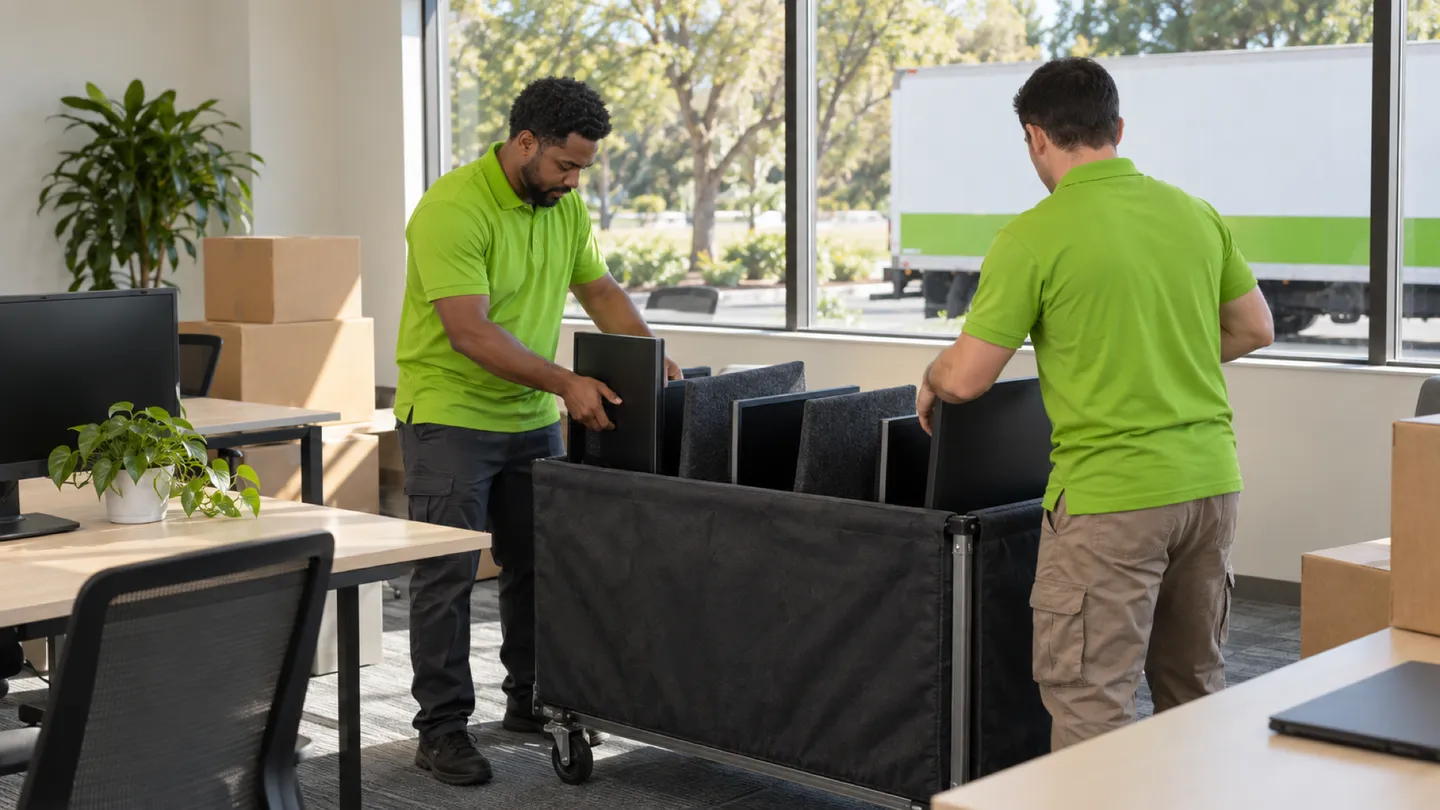
Each desk's computer, monitors and peripherals photographed, unplugged, labeled, moved and reconnected by seat. Your IT contact owns everything past the plug.

(530) 354-8089
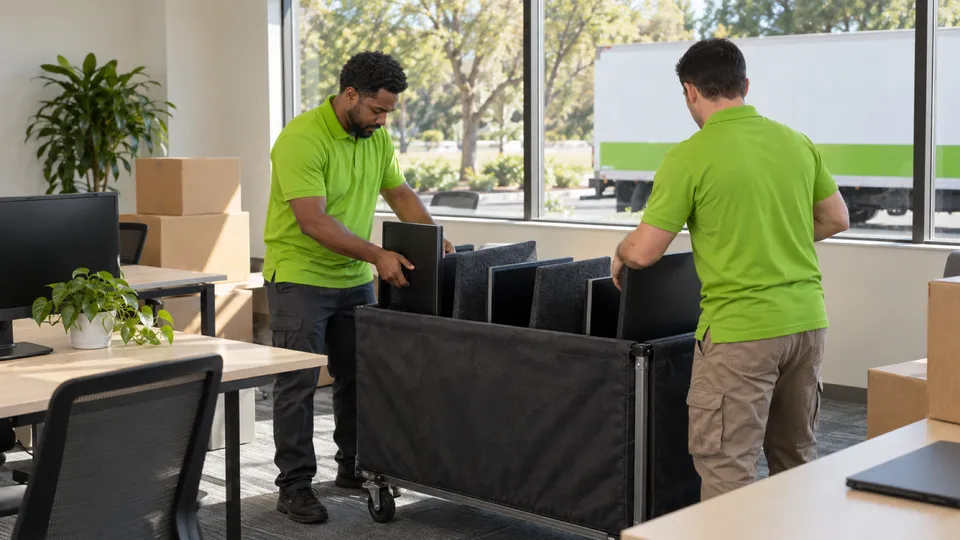
IT Workstation Moves moving in the Sacramento Valley: Murdock's crew at work
  • Licensed & InsuredUSDOT 3421940 · MC 1416634
  • Locally OperatedChico + Yuba City
  • Sacramento ValleyChico · Yuba City · Sacramento

Start your commercial move quote

verifiedFor estimate purposes onlycredit_card_offNo credit card required

How We Plan IT Workstation Moves

A workstation move is easy to underestimate. Each desk carries a computer or a laptop dock, one to three monitors, a keyboard, a mouse, a headset, maybe a label printer or a scanner, and a handful of cables that all look alike. Multiply that across a Sacramento agency floor, a Roseville tech office or a Chico billing department, and the risk is not breakage. It is Monday morning with the wrong monitor on the wrong desk and a dock missing its power brick.

This service is the physical half of that job, done in a fixed order. Your IT contact freezes the seat map and gives the go-ahead to power down. The crew takes a photo behind every desk, labels every device and every loose cable with the new seat number, bags the small parts per seat, and packs the screens and computers for the ride. At the new desks, the crew sets each device where the photo shows it and plugs power, video and peripherals back in.

Everything past the plug stays with your IT contact: the network, accounts, imaging and any equipment room. If furniture is moving too, see office moving.

Who usually signs off
Office manager or facilities lead approving the seat map with the organization's IT contact
Timing that works
After staff log off on the last working day, with the physical reconnect finished before your IT contact's check-in; evening or weekend on request.

What typically moves

  • Desktop towers and small-form-factor PCsKept upright in padded bins or cartons, never stacked under monitors, with the seat label on the case.
  • Monitors, including dual and triple setupsEach screen gets a position mark (left, center, right) as well as the seat number, and rides on edge, never face down.
  • Laptop docks and their power adaptersThe dock and its brick are bagged together, since a missing adapter is the most common Monday-morning call.
  • Keyboards, mice, headsets and webcamsBagged per seat and set beside the computer at arrival, not left in a shared box.
  • Desk printers, label printers and scannersPaper and loose trays removed; the device and its cables travel as one labeled group.
  • Clamp-on monitor armsScreens come off first; the arm is unclamped, labeled to its desk and reattached before the monitors go back on.
  • Video, USB and power cablesLabeled at both ends when your IT contact wants them reused; otherwise bundled per seat for the IT team to sort.

Access and scheduling

The seat map is the plan, and it has to be frozen before labels go on. We ask for a list of old and new seat identifiers and one person who can decide late changes. A desk swap is easy to fix on a spreadsheet and slow to fix after the computer has crossed town.

Timing runs around your IT contact. Staff save their work, take their laptops if they carry them home, and log off on the last afternoon. The crew starts disconnecting only after IT confirms the floor is ready. At the new office, IT often wants the wall jacks patched and tested before the crew arrives, and a clear first row to check while the crew finishes the rest. Many offices move equipment on a Friday evening or Saturday so the reconnect is done before anyone needs a desk. Buildings that ask for our certificate of insurance get it with the booking.

Protection and handling

When a workstation move goes wrong, it is usually a screen or a port, so handling centers on them. Monitors are padded individually and carried on edge in bins or carts where nothing presses on the panel. Towers ride upright so nothing shifts inside. Cables are coiled and bagged rather than left hanging from a device.

The photo of each desk before disconnect is the reference for reconnect. Each device is then put back exactly where that photo shows it, the monitor arm is reattached, and power, video, the dock and peripherals are connected. If a cable, adapter or device is missing, the crew flags it to your IT contact rather than borrowing one from another desk. The crew does not power up machines, log in or change settings; your IT contact does that and signs off each seat.

Who does what

Some of this job belongs to other trades. The written plan names each one.

Network jacks, switches and the equipment room
Your IT contact or network vendor moves and sets up anything in the equipment room and patches the wall jacks. The crew works at the desk only.
Accounts, imaging, software and testing
Your IT contact powers up and checks each station. The crew's work ends at the physical connections.
Specialized devices such as plotters, lab instruments or medical imaging
The manufacturer's technician or your vendor decides how they move and recalibrates them afterward.

Not part of our work

  • Logging in, configuring software, reimaging or troubleshooting after reconnect.
  • Disconnecting or moving anything in an equipment room or rack.

Around Chico, Yuba City and Sacramento

Workstation-heavy floors are common in state agency buildings near the Capitol, the Natomas office parks, Roseville and Rocklin tech parks, and back offices out by the Chico airport. The first three usually share a freight elevator, so equipment is grouped by floor and seat to fit the booked car.

The crew that shows up

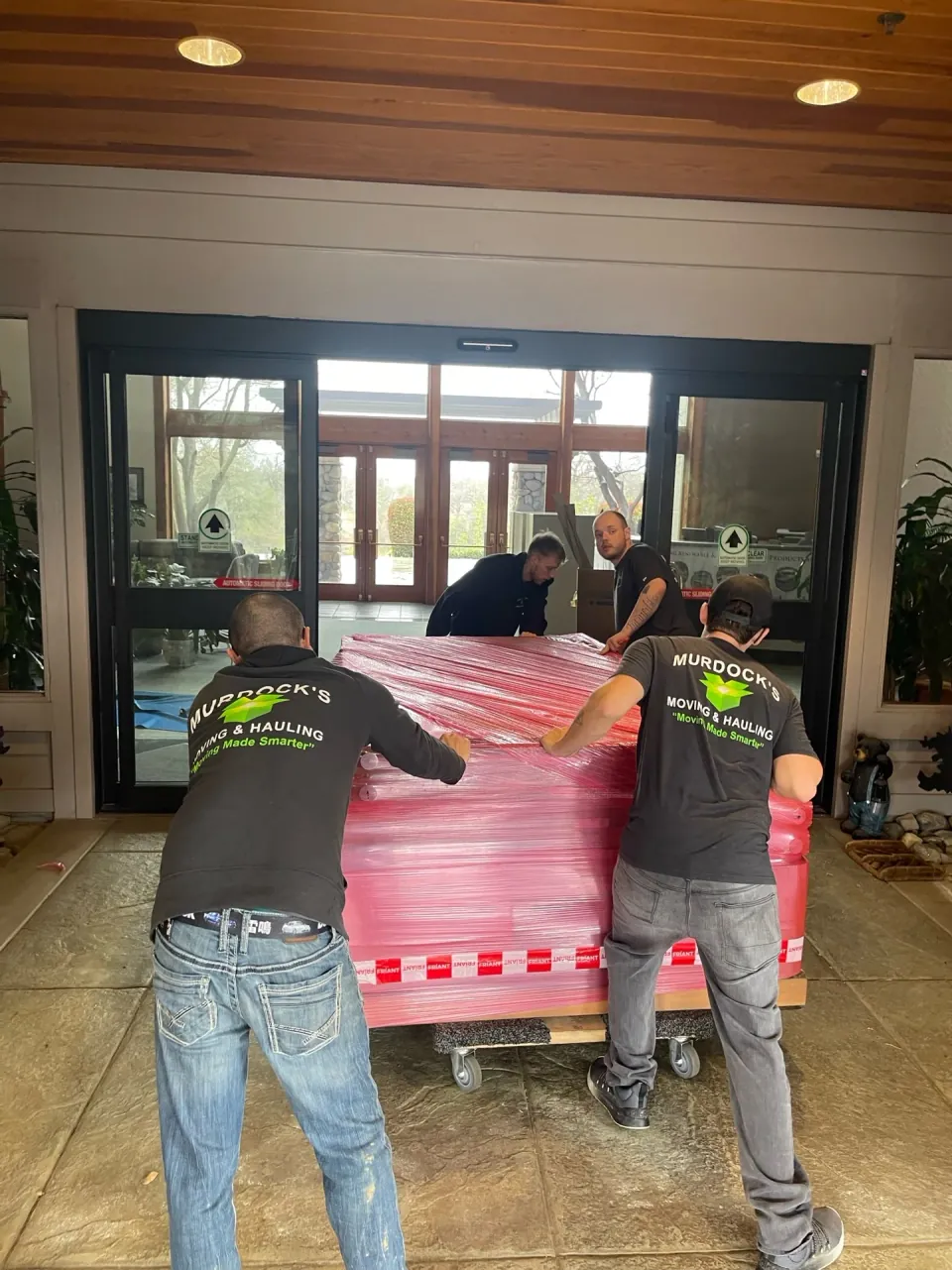
The Murdock’s crew lined up behind the truck on an orchard road in Butte CountyMurdock’s crew rolling a shrink-wrapped piece on dollies through a building lobbyThree Murdock’s crew members at the back of the box truck

IT Workstation Moves FAQs

Another question? Call (530) 354-8089.

What should our staff do before you unplug their computers?

Save their work, close applications, log off, and take personal items and any laptop they plan to carry home. Your IT contact decides whether machines are shut down by staff or remotely. Once IT confirms the floor is ready, the crew photographs and disconnects each desk in seat order.

How do you keep identical monitors from ending up at the wrong desks?

Every monitor gets the seat number and a position mark, such as left or right, before it leaves the desk. The computer, dock and cable bag get the same seat number. At arrival, the crew matches labels to the frozen seat map and the before photo. If the map changed, your contact settles it before anything is plugged in.

Will your crew plug our laptop docks back in?

Yes. The crew sets the dock, connects its power adapter, runs the video cables to the labeled monitors, and plugs in keyboard, mouse and headset as the photo shows. Whether the dock connects to the network through the wall jack or wirelessly is your IT contact's setup, and they test it.

Can your crew move the equipment in our network closet too?

No. Switches, firewalls, phone systems and anything in a rack stay with your IT contact or their network vendor, who plans that cutover separately. The crew can carry the empty rack furniture or cartons your vendor has packed and released, but it does not disconnect, pack or reconnect that equipment.

Plan your business move

Tell us both addresses, the building rules you know about, and the dates you cannot move. We will send back a written plan and estimate.

Call (530) 354-8089

Mon–Sat 8:00 AM–6:00 PM · Sun 10:00 AM–4:00 PM

Call Nowcall530-354-8089